ZyphQuest Launcher
The best way to play ZyphQuest games. Install once, play everything. Automatic updates, desktop shortcuts, and all your games in one place.
Download for WindowsSecurity Notice: Your browser or Windows may show a security warning when downloading. This is normal for new software and does not mean the file is harmful. Click "Keep" or "Run anyway" to proceed. Get it from Microsoft Store for no warnings.
See What's Inside
A full-featured desktop app for managing and playing all ZyphQuest games
.png)
All Your Games, One Place
Browse, install, and launch every ZyphQuest game from a single clean interface. See which games are installed and jump straight into the action.
- One-click install and play
- Automatic game updates
- Desktop shortcuts created for you
- Install status at a glance
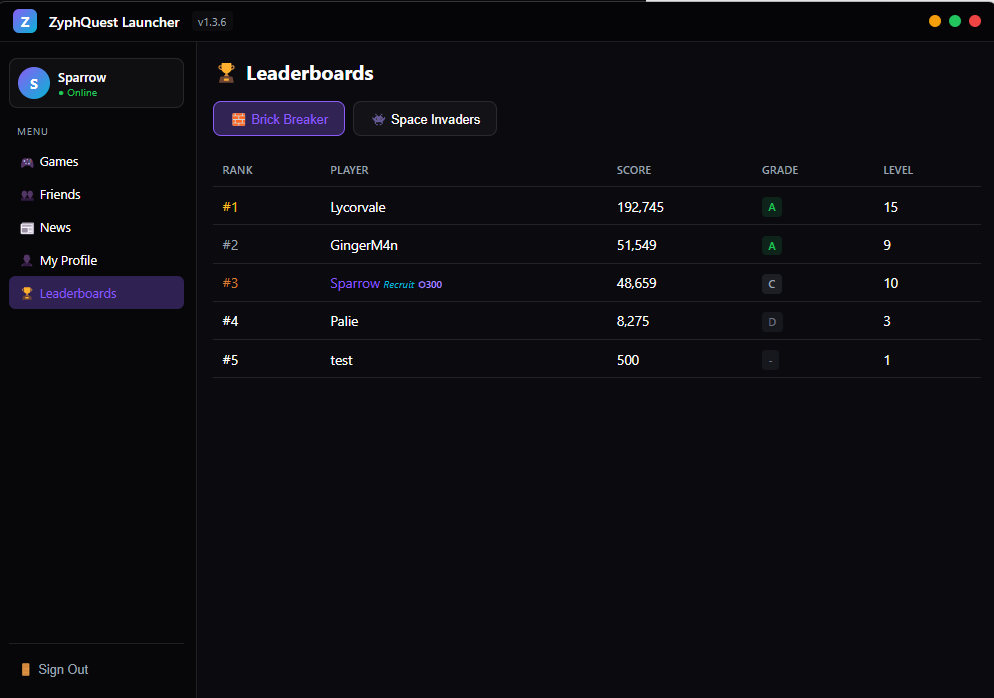
Climb the Leaderboards
See how you rank against other players. Leaderboards track your score, grade, level reached, and more for every game.
- Per-game ranking tables
- Score, grade, and level tracking
- Titles and flair shown next to names
- Updated in real time
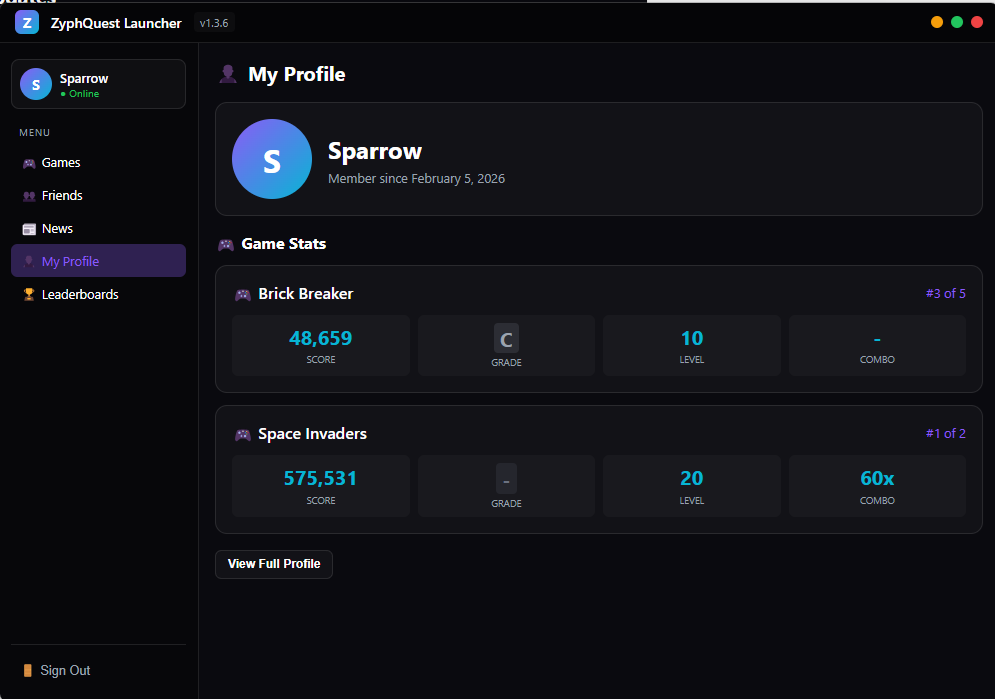
Track Your Progress
Your profile shows detailed game stats across every title — scores, grades, levels reached, and combo multipliers. See how far you've come.
- Per-game stat breakdowns
- Leaderboard position shown
- Link to your full web profile
- Member since date and account info
.png)
News & Updates
Never miss an update. The built-in news feed keeps you informed about new games, patches, events, and community announcements — right from the launcher.
- Latest news at your fingertips
- Expand articles with Read More
- Patch notes and event info
- Same feed as the website
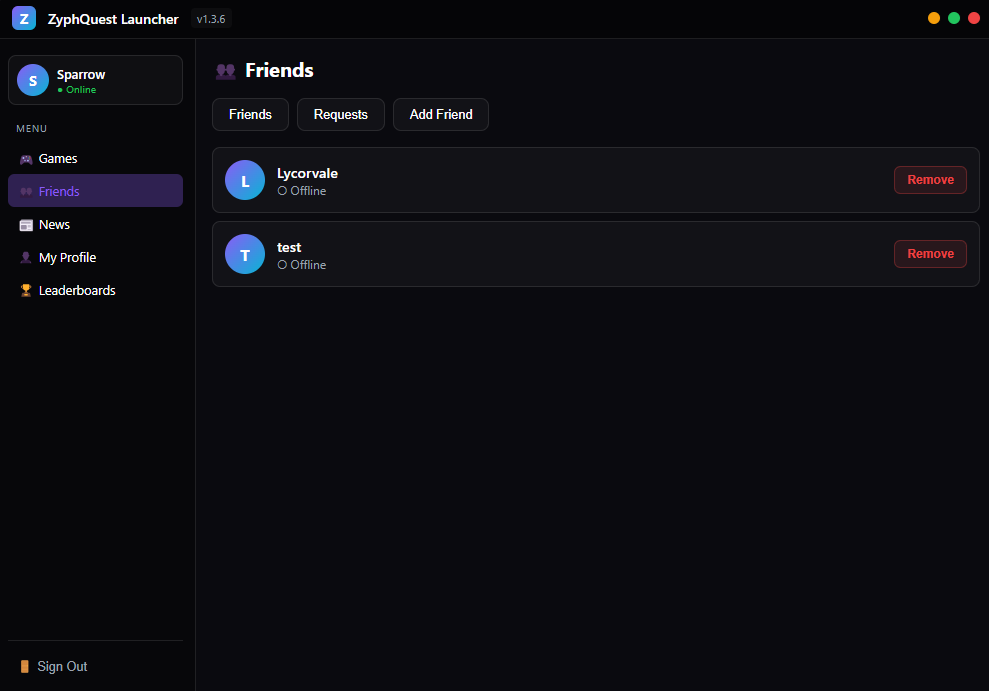
Friends & Community
Add friends, see who's online, and manage your friend list. Send friend requests, accept or decline, and build your gaming circle.
- Add and remove friends
- Online/offline status
- Friend requests system
- Growing social features
Auto Updates
Launcher and games update themselves automatically
Desktop Shortcuts
Launch games directly from your desktop
Better Performance
Desktop versions run smoother than browser
Secure Login
Your account syncs across launcher and website
System Requirements
Minimum
- OSWindows 10
- RAM4 GB
- Storage500 MB
- InternetRequired for download
Recommended
- OSWindows 11
- RAM8 GB
- Storage1 GB
- InternetBroadband
Ready to Play?
Download the launcher and start playing in minutes!
Download Now - Free